Spring planning updates: staged picks, cleaner moves, and calmer weeks
A closer look at the planner changes that make it easier to keep recipe ideas nearby, move meals between days, and recover gracefully when plans change.
By ByteRecipes Team
Key takeaways
- Use staged picks as a short, intentional holding shelf instead of a second recipe collection.
- Move meals back to the shelf when a day changes so the idea stays available.
- Review the week by effort level, not only by day, before grocery planning.
Why staged picks needed to feel less temporary
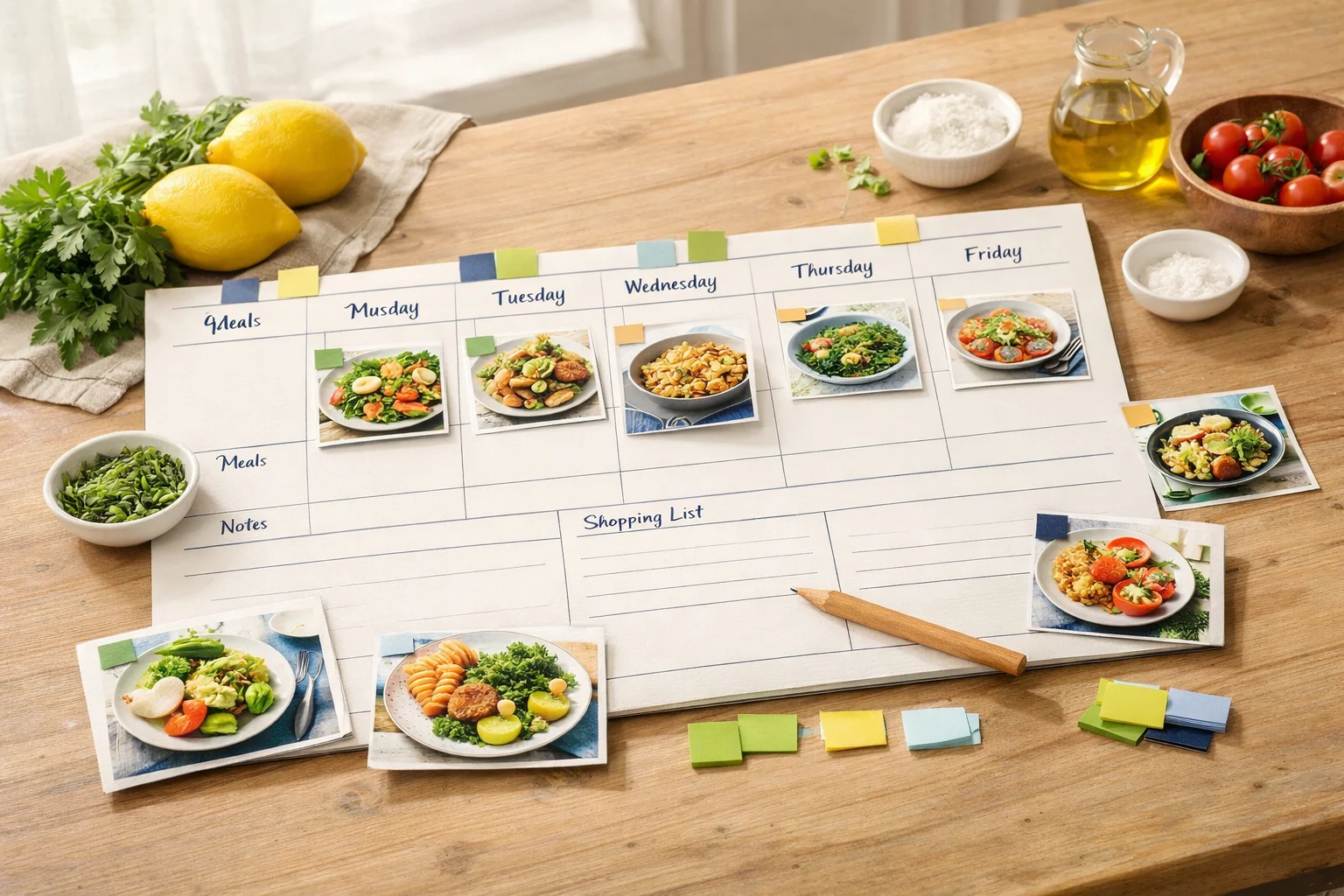
A weekly plan rarely moves in a straight line. Work runs late, leftovers stretch farther than expected, or a meal that looked good on Sunday feels too heavy by Wednesday. The planner update treats staged picks as part of that reality. They are no longer just a waiting room before a meal gets scheduled. They are a useful shelf for ideas that are ready, but not committed.
That distinction matters because good planning depends on reversible choices. If every action feels final, people avoid planning until they are certain. A flexible planner should let you gather candidates, promote one to a day, then send it back when the week changes.
A better move pattern for real weeks
Cleaner moves make the planner less fragile. When a meal shifts from Tuesday to Thursday, the interface should preserve the recipe, the context, and the confidence that nothing disappeared. The same applies when a planned meal returns to staged picks. It is still a good idea. It just does not belong on that day anymore.
This is the kind of workflow detail that makes a planning tool feel calmer. The best planner is not the one that asks you to finish the perfect schedule. It is the one that lets the plan breathe while still keeping dinner visible.
- Keep three to six staged picks available for the week.
- Move higher-effort meals to less crowded days before shopping.
- Use staged picks as a fallback list when leftovers or takeout interrupt the plan.
What to try this week
Before adding new recipes, open the planner and remove meals that no longer fit. Then add only enough staged picks to cover uncertainty. If you already have two flexible recipes waiting, you may not need to search at all.
The goal is not a fully packed calendar. It is a plan that gives you a useful next move when dinner time arrives.
A simple staged-picks routine
- 1Pick three anchor meals that match the busiest nights first.
- 2Add two backup recipes that use pantry or freezer ingredients.
- 3Leave one open slot for leftovers, a social plan, or a low-effort meal.
- 4Before shopping, move any shaky meal back to staged picks instead of deleting it.
Helpful reminder
ByteRecipes articles are written for product education and everyday cooking workflows. They are not medical, nutrition, allergy, or food-safety advice.
Keep reading
Related articles
What Miso should help with before dinner starts
Miso works best when it helps with the decisions around cooking: narrowing choices, adapting plans, and translating preferences into usable next steps.
Read next
Designing for recipe quality, not recipe volume
More recipes are only useful when they are reliable. This note explains why ByteRecipes emphasizes clearer images, timing sanity, and moderation tools.
Read next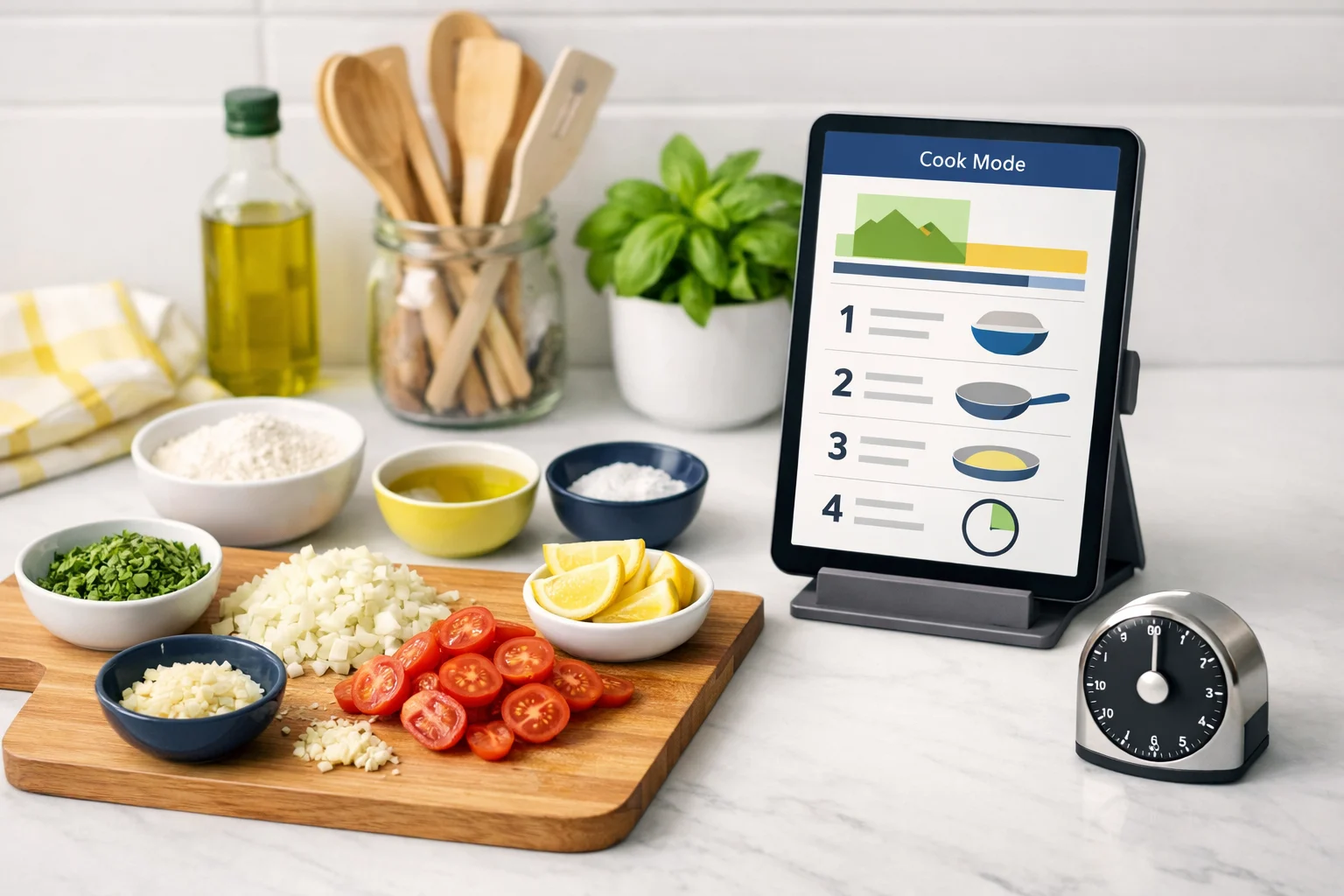
Product note: clearer recipe pages for faster cooking
Recipe pages were tuned around the moment you are ready to cook: stronger hero sections, cleaner timing details, and faster access to planning actions.
Read next