Release notes: shopping lists get closer to the real plan
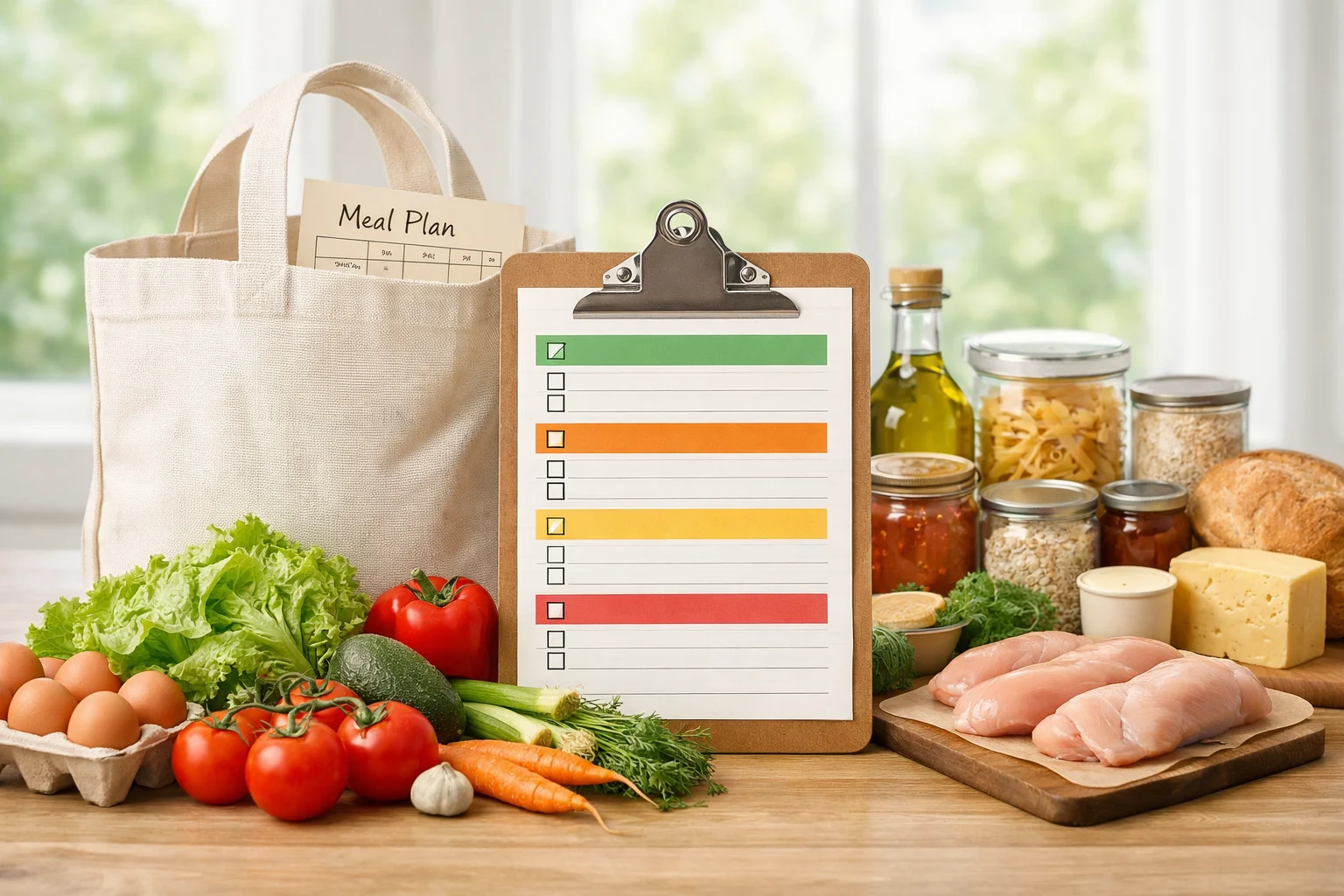
Shopping list work focused on reflecting the meals currently planned, preserving manual edits, and keeping the grocery workflow predictable.
By ByteRecipes Team
Key takeaways
- A grocery list should reflect the plan people actually intend to cook.
- Manual items need to stay visible and editable.
- Grouping ingredients matters because people shop in sections, not recipe order.
The list has to follow the plan
A shopping list is only helpful if it reflects reality. If the planner changes but the list does not, the user ends up double-checking everything manually. That defeats the purpose of connecting planning and groceries.
This release focused on keeping the relationship clearer: planned meals drive the list, while user-added items remain part of the shopping workflow.
Manual edits are first-class
People add milk, paper towels, snacks, and household staples to the same list they use for planned meals. Those items may not come from a recipe, but they still matter. The grocery workflow should not erase them or hide them behind automation.
Preserving manual items keeps the list trustworthy. If users feel like edits vanish, they stop relying on the product.
- Recipe ingredients stay connected to planned meals.
- Manual items remain visible during list updates.
- Grouped sections make the list easier to scan in the store.
A better grocery review
Before shopping, the list should help you answer three questions: what do I need, why do I need it, and can I skip it because I already have it? The closer the list gets to those answers, the less friction there is between planning and cooking.
That is the direction for shopping list improvements: less rework, clearer source context, and more confidence at the store.
Before you shop
- 1Review the planned meals that generated the list.
- 2Remove ingredients you already have.
- 3Add household items manually.
- 4Check grouped sections once more before leaving.
Helpful reminder
ByteRecipes articles are written for product education and everyday cooking workflows. They are not medical, nutrition, allergy, or food-safety advice.
Keep reading
Related articles
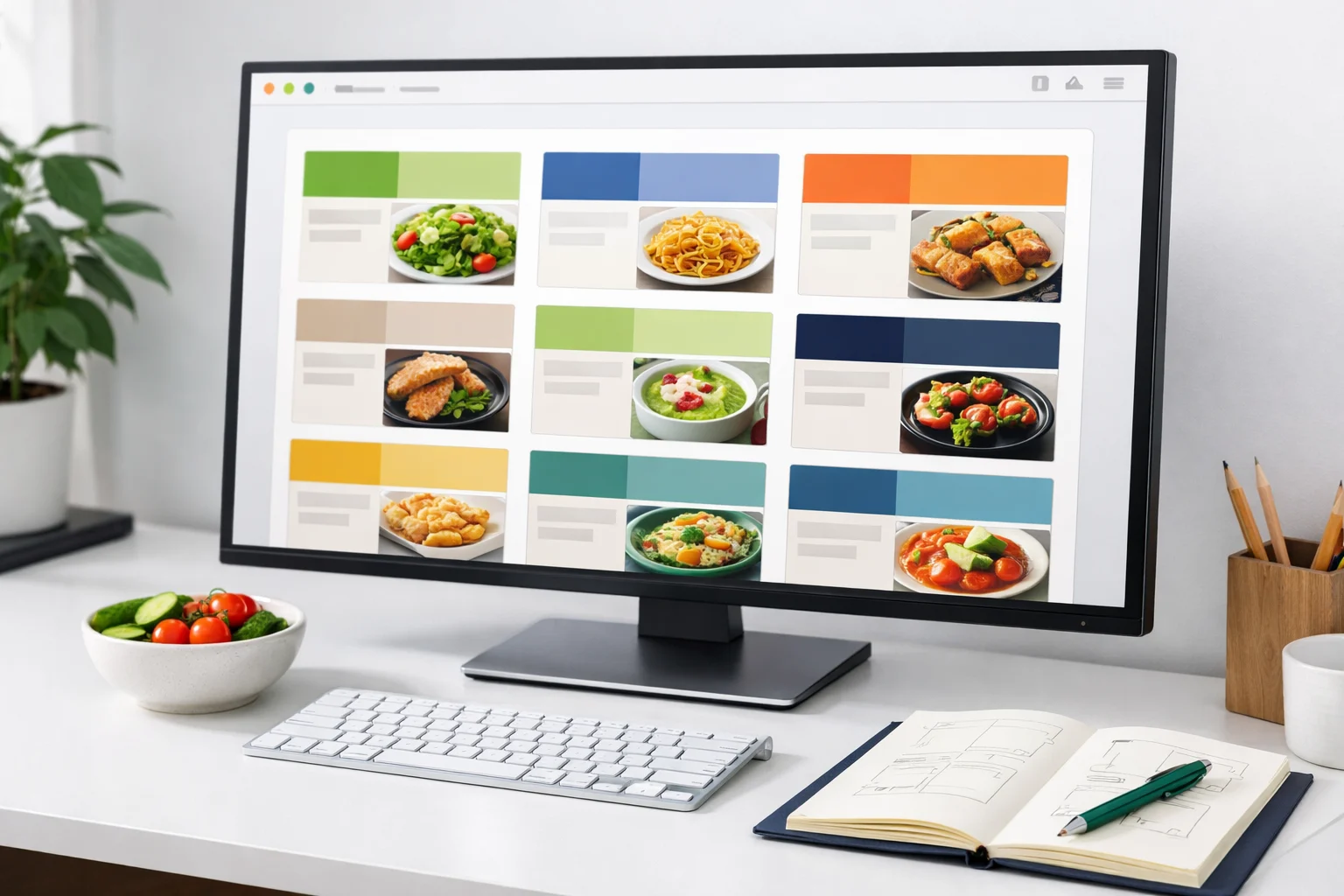
Release notes: browse improvements and cleaner recipe cards
This release tightened browse cards, reduced noisy metadata, and made it easier to scan recipes by time, tag, and title.
Read next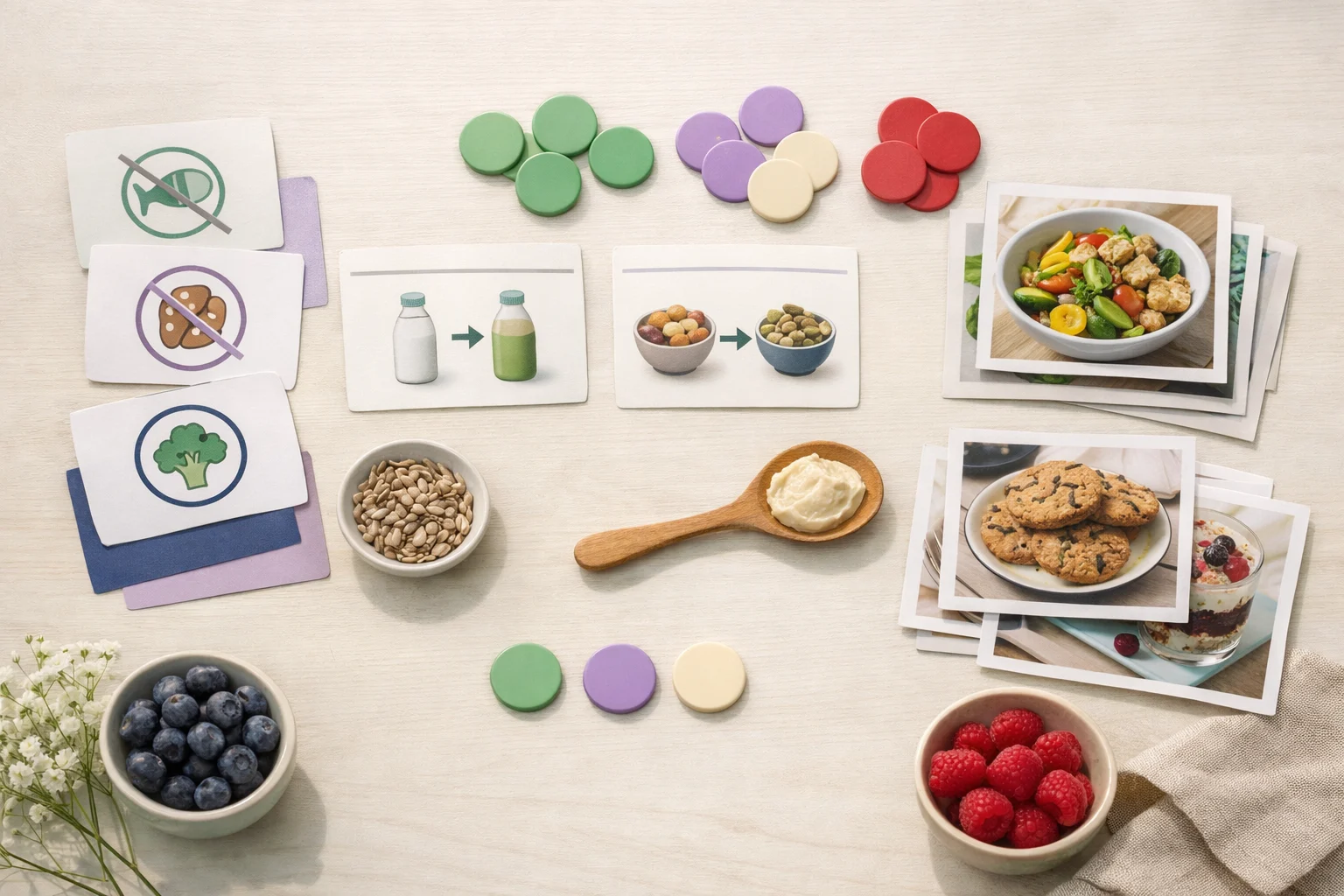
Release notes: preference-aware browsing
This update made the browse experience more respectful of dietary preferences, allergies, spice comfort, and time constraints.
Read next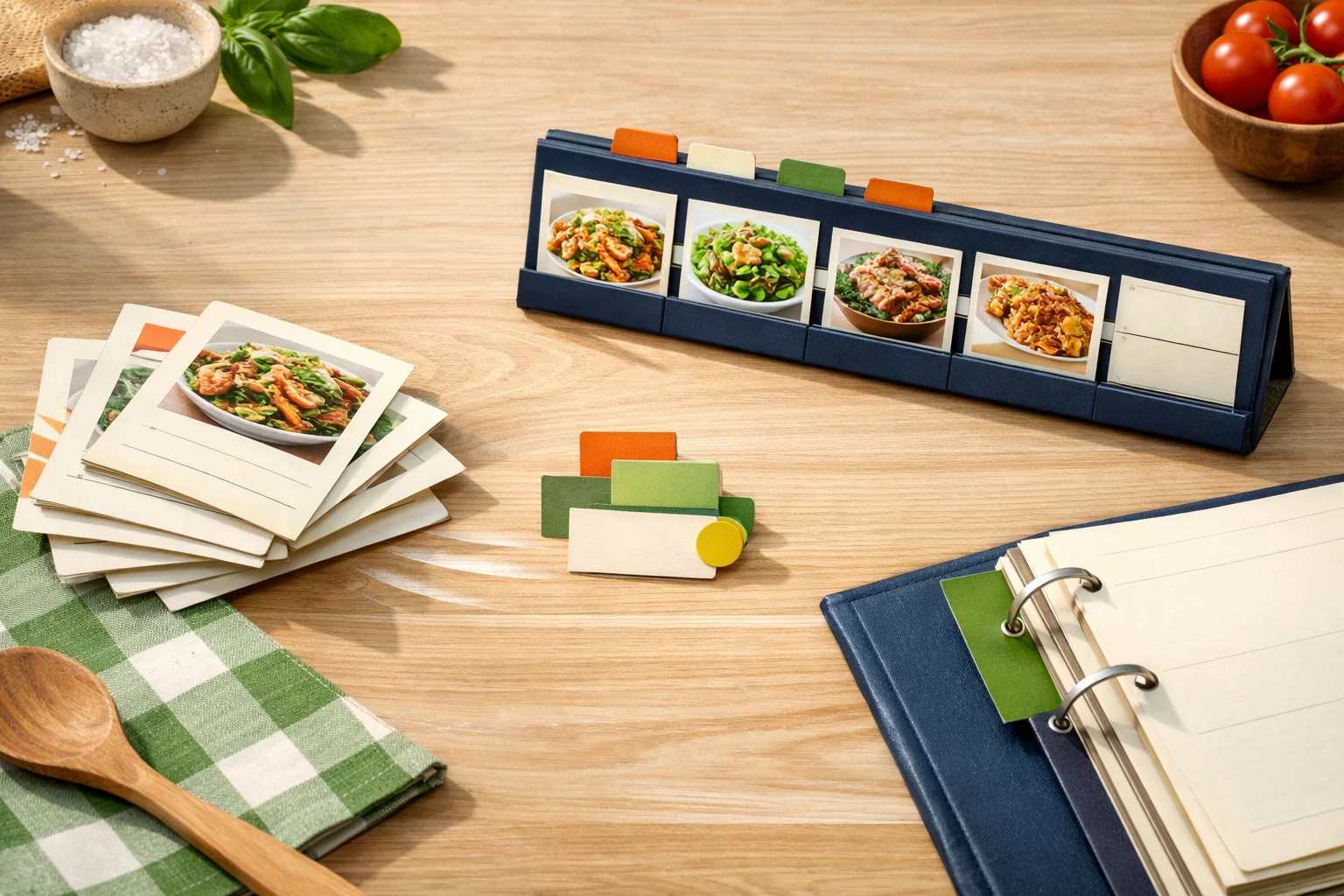
Release notes: saved recipes and planner shortcuts
This release connected saved recipes and planning flows more directly so cooks can move from discovery to a real weekly plan with fewer steps.
Read next