Release notes: saved recipes and planner shortcuts
This release connected saved recipes and planning flows more directly so cooks can move from discovery to a real weekly plan with fewer steps.
By ByteRecipes Team
Key takeaways
- Saved recipes are more useful when planning actions are close by.
- Dashboard previews should focus on what a user can do next.
- Shortcuts reduce the gap between interest and commitment.
Discovery needs a next step
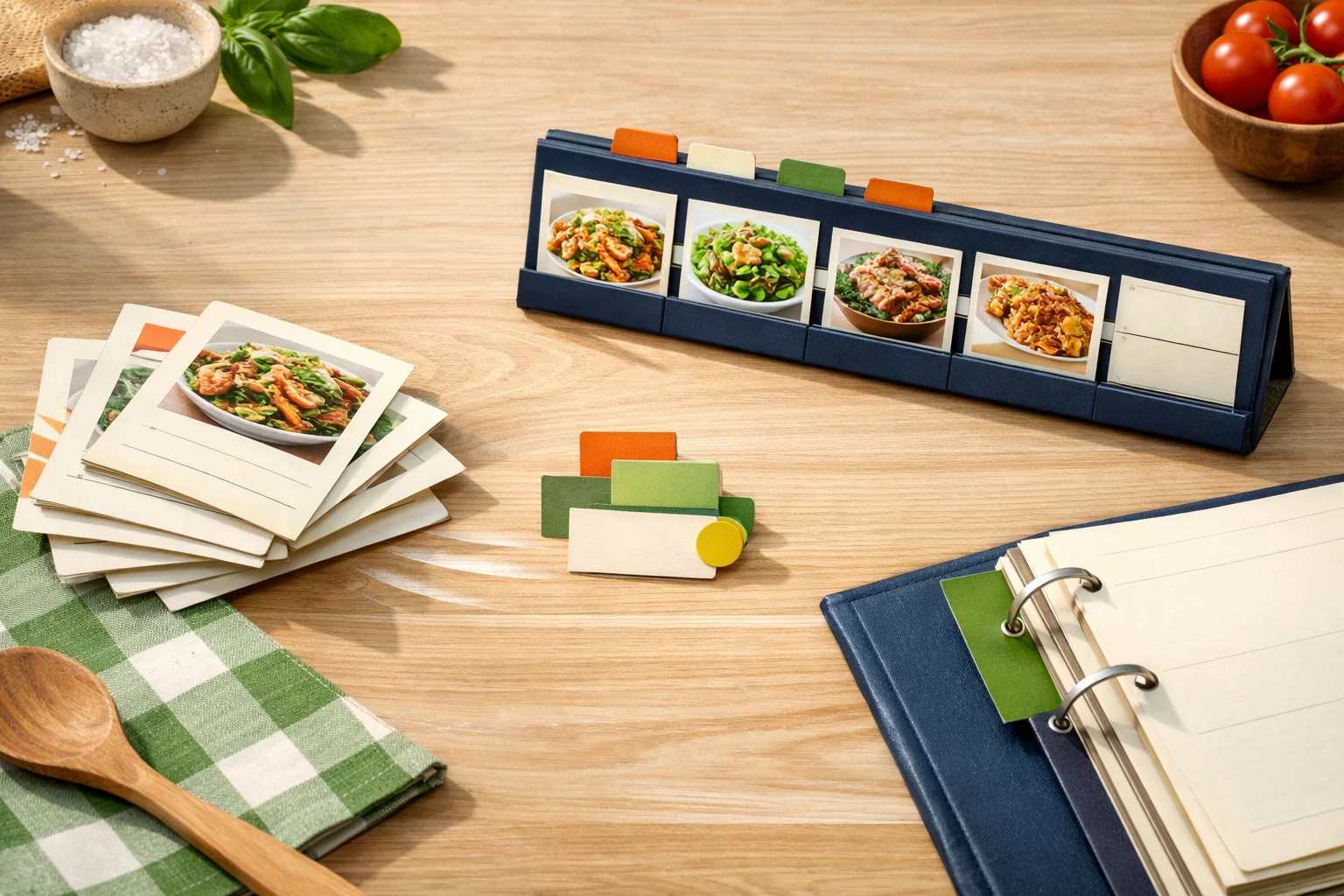
Saving a recipe is useful, but it is not the same as planning dinner. The product should make the next step obvious: revisit it, compare it, plan it, or adapt it privately.
This release tightened those connections so saved recipes can move toward the week with less navigation.
Planner shortcuts reduce context switching
When planning actions are buried, users end up bouncing between pages. Bringing shortcuts closer to recipe cards and dashboard previews makes the workflow feel more continuous.
The product direction is simple: discovery should feed planning, and planning should feed shopping.
- Saved recipes are easier to revisit from active workspaces.
- Planning actions are closer to the recipe card.
- Dashboard surfaces emphasize useful next moves.
What to do with it
If you have a large saved list, use shortcuts to promote only the recipes that belong in the next week or two. Leave the rest saved, but do not let them clutter the active plan.
A good shortcut should create momentum, not pressure.
From saved to planned
- 1Open saved recipes.
- 2Pick two that match the coming week.
- 3Plan one directly and stage the other.
- 4Build the grocery list after the planner is settled.
Helpful reminder
ByteRecipes articles are written for product education and everyday cooking workflows. They are not medical, nutrition, allergy, or food-safety advice.
Keep reading
Related articles
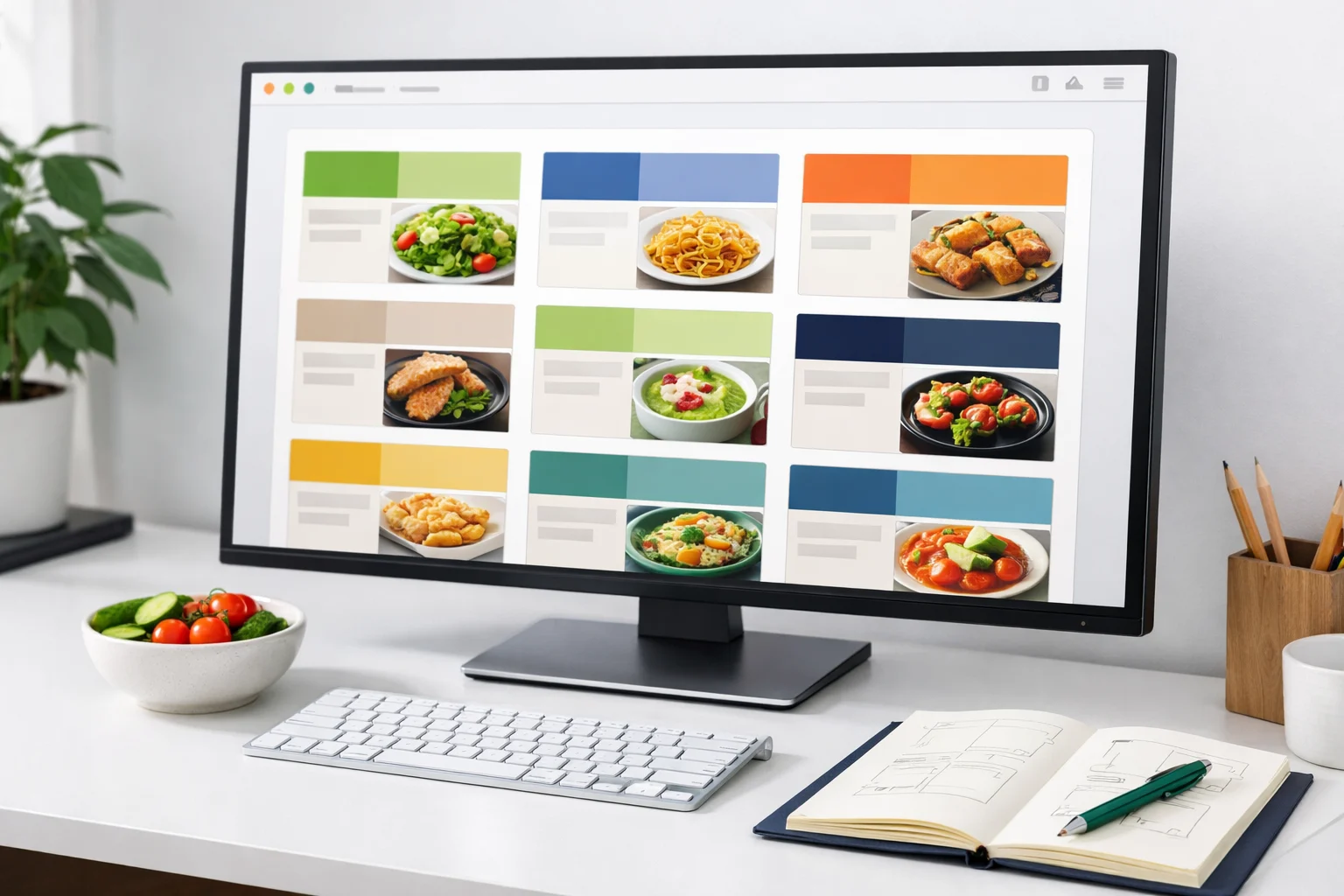
Release notes: browse improvements and cleaner recipe cards
This release tightened browse cards, reduced noisy metadata, and made it easier to scan recipes by time, tag, and title.
Read next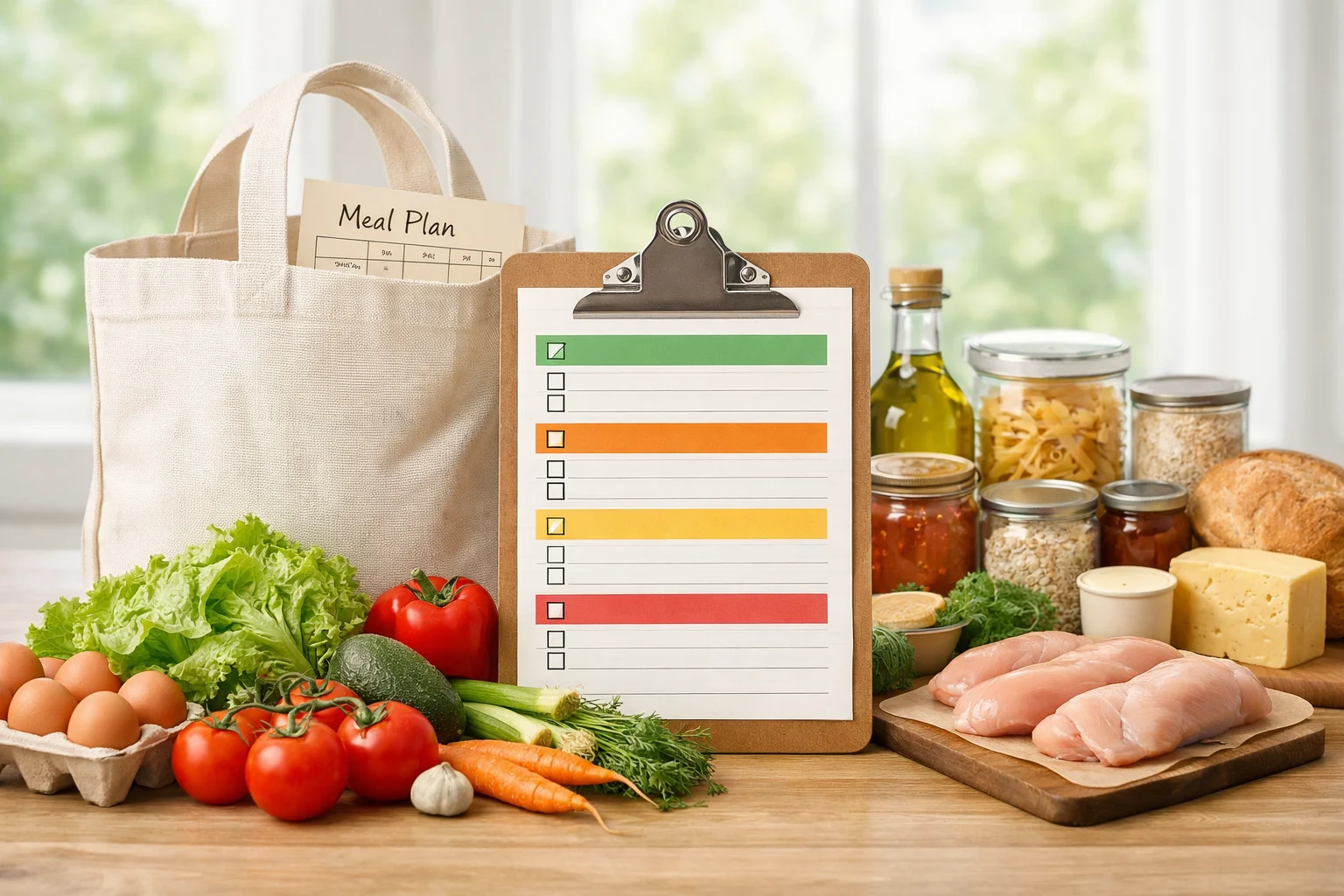
Release notes: shopping lists get closer to the real plan
Shopping list work focused on reflecting the meals currently planned, preserving manual edits, and keeping the grocery workflow predictable.
Read next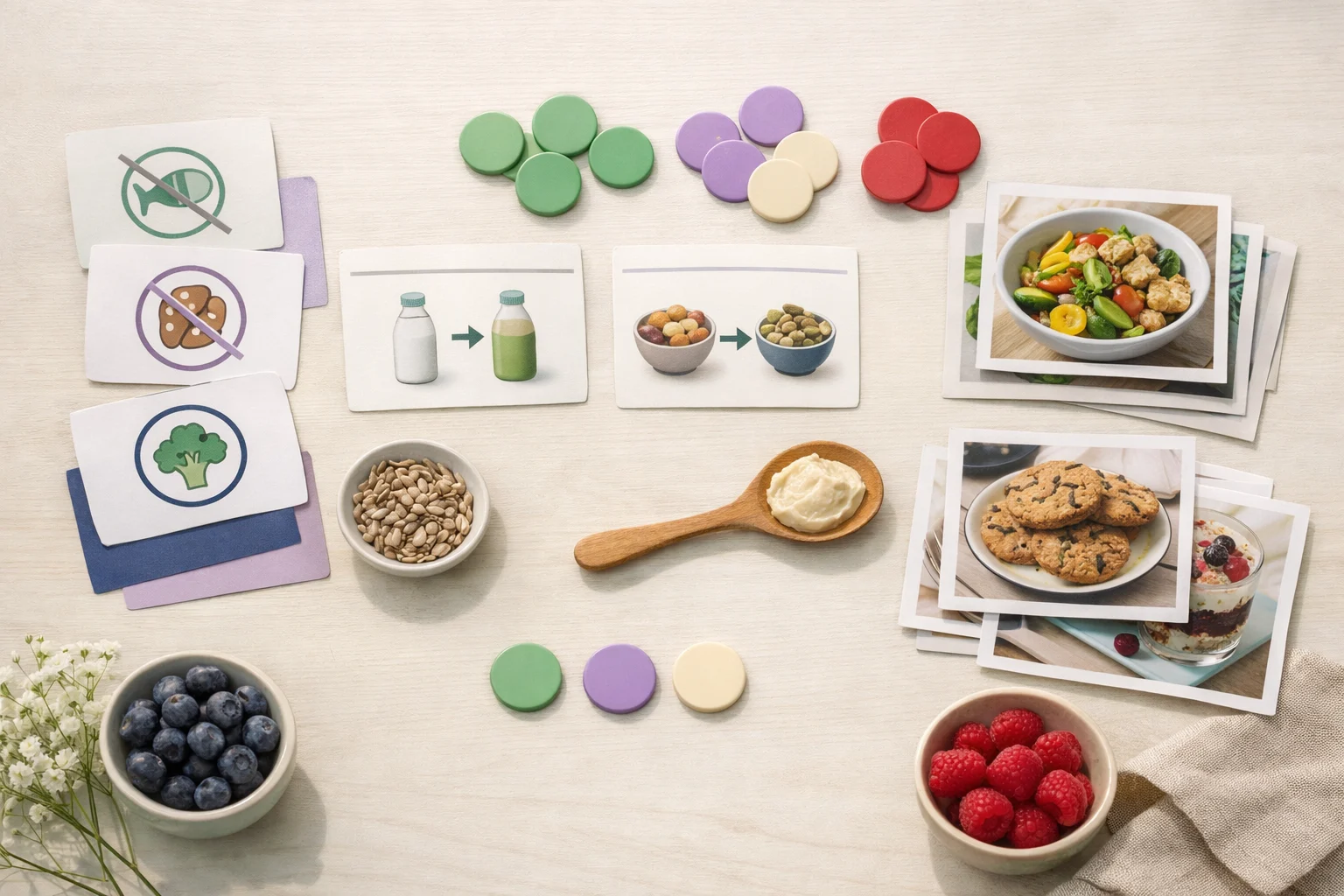
Release notes: preference-aware browsing
This update made the browse experience more respectful of dietary preferences, allergies, spice comfort, and time constraints.
Read next