Release notes: browse improvements and cleaner recipe cards
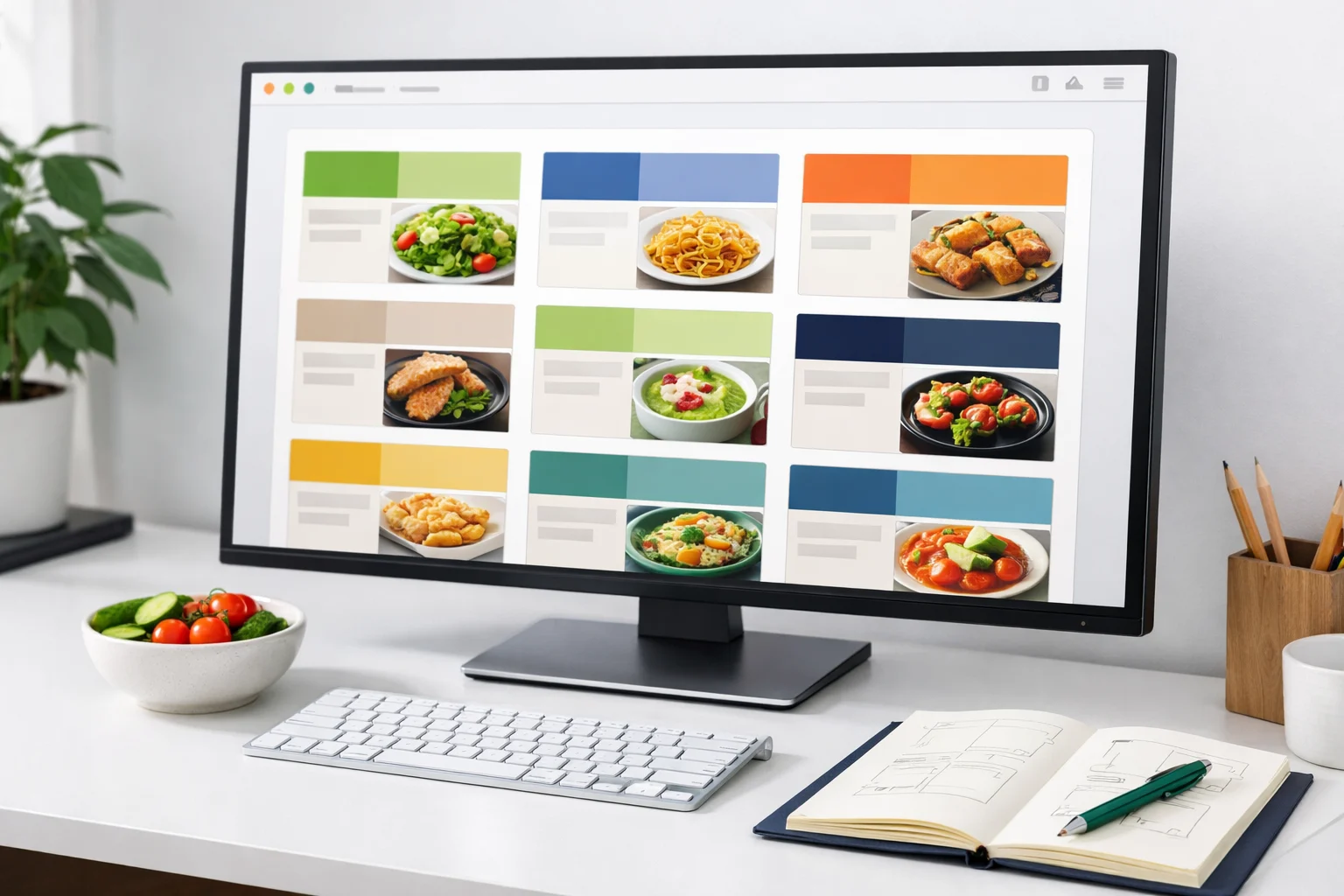
This release tightened browse cards, reduced noisy metadata, and made it easier to scan recipes by time, tag, and title.
By ByteRecipes Team
Key takeaways
- Recipe cards now put the most useful scanning details first.
- Empty or low-value metadata is less likely to interrupt browsing.
- The browse page is meant to help before you know exactly what to search.
Browse should support indecision
Search is useful when you know what you want. Browse is useful when you only know the shape of the decision: something fast, something vegetarian, something good for lunch, or something that uses ingredients already in the kitchen.
The card cleanup was focused on that moment. Each card should give enough information to decide whether to open the recipe without turning the grid into a wall of tiny labels.
What changed
The recipe cards now place greater weight on title, image, timing, and meaningful tags. Fields that are empty or weakly useful are treated more quietly. That makes it easier to compare recipes across a row without reading every line.
The page also gives imagery more room. Food is visual, and a good image helps users understand the dish faster than a long stack of attributes.
- Cleaner metadata hierarchy on browse cards.
- More consistent image framing for recipe thumbnails.
- Less visual noise from empty or secondary fields.
How to get more from browse
Use browse as a first pass, not a final decision. Open recipes that look promising, save the ones that fit your week, then make the final choice from a smaller set on the dashboard or planner.
The best browsing session ends with fewer options, not more tabs.
A faster browse pass
- 1Filter by the biggest constraint first: time, meal type, or diet.
- 2Open only recipes that pass the image and title test.
- 3Save two to four candidates rather than chasing the perfect one.
- 4Move the best fit into the planner before starting the grocery list.
Helpful reminder
ByteRecipes articles are written for product education and everyday cooking workflows. They are not medical, nutrition, allergy, or food-safety advice.
Keep reading
Related articles
Release notes: shopping lists get closer to the real plan
Shopping list work focused on reflecting the meals currently planned, preserving manual edits, and keeping the grocery workflow predictable.
Read next
Release notes: preference-aware browsing
This update made the browse experience more respectful of dietary preferences, allergies, spice comfort, and time constraints.
Read next
Release notes: saved recipes and planner shortcuts
This release connected saved recipes and planning flows more directly so cooks can move from discovery to a real weekly plan with fewer steps.
Read next