Release notes: preference-aware browsing
This update made the browse experience more respectful of dietary preferences, allergies, spice comfort, and time constraints.
By ByteRecipes Team
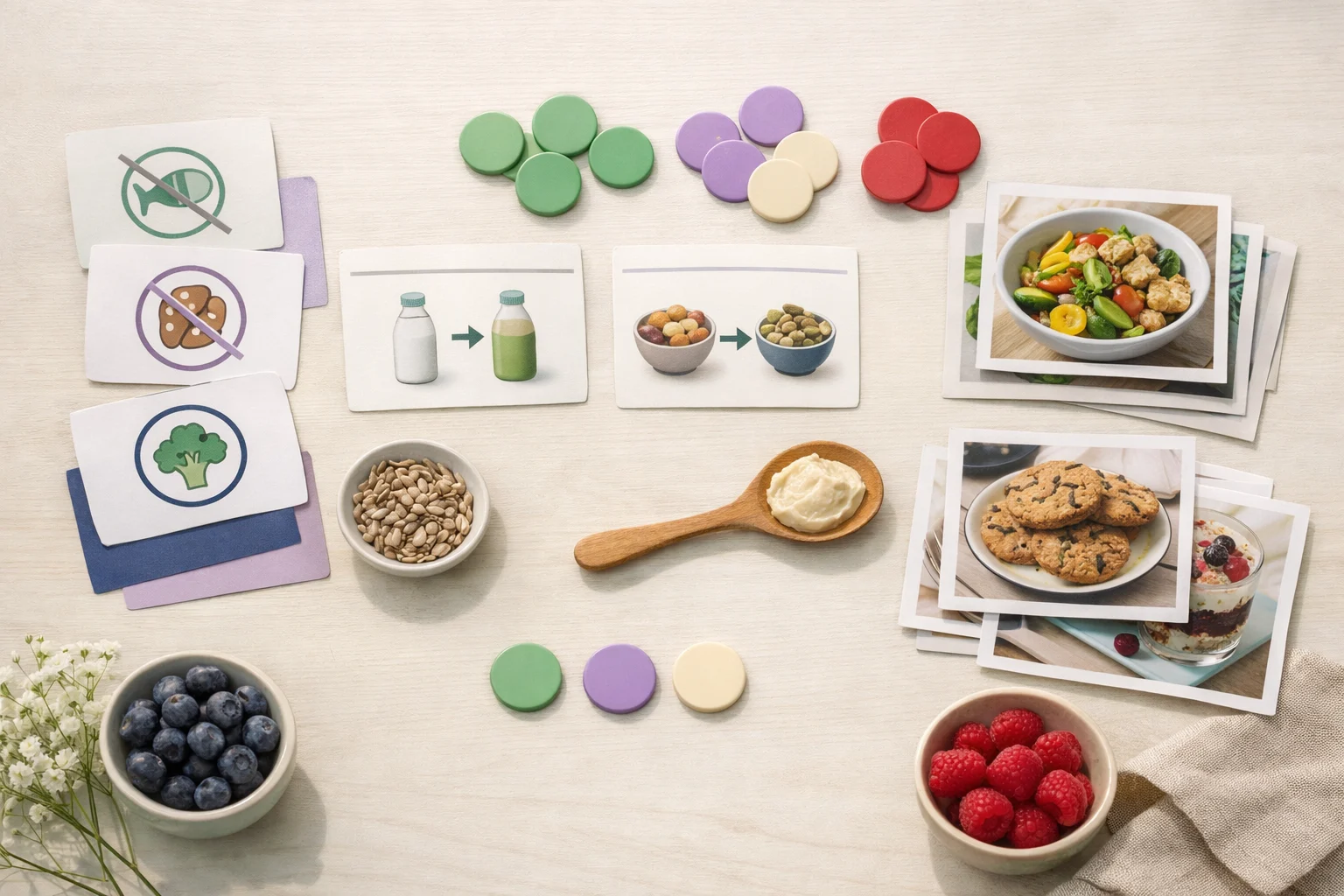
Key takeaways
- Preferences are practical constraints, not decoration.
- Filtering should remove poor fits without making browsing feel empty.
- Spice and time controls help people choose with confidence.
Preferences should reduce bad choices
A recipe recommendation is only useful if it respects the basics: what someone cannot eat, what they prefer not to eat, how much time they have, and how spicy they are comfortable with.
Preference-aware browsing is about reducing obvious mismatches. It should help users spend time comparing good options instead of rejecting poor ones.
The tradeoff: strict enough, but not brittle
Filters can become frustrating when they hide too much or explain too little. The goal is to apply preferences in a way that keeps results useful while still allowing people to explore.
That means labels need to be understandable, controls need to be easy to change, and empty states need to help users loosen constraints.
- Use allergies as hard constraints.
- Treat cuisine or diet preferences as guidance when appropriate.
- Make time and spice filters easy to adjust.
What this enables
Better preference handling improves more than browse. It gives the planner and assistant better context, too. A weekly plan can be more realistic when it understands what the household tends to cook and avoid.
The long-term value is consistency. Preferences should follow the user across discovery, planning, shopping, and assistance.
Preference setup worth doing
- 1Add true dietary restrictions first.
- 2Set spice comfort honestly.
- 3Use time filters differently for weeknights and weekends.
- 4Revisit preferences after a few weeks of actual cooking.
Helpful reminder
ByteRecipes articles are written for product education and everyday cooking workflows. They are not medical, nutrition, allergy, or food-safety advice.
Keep reading
Related articles
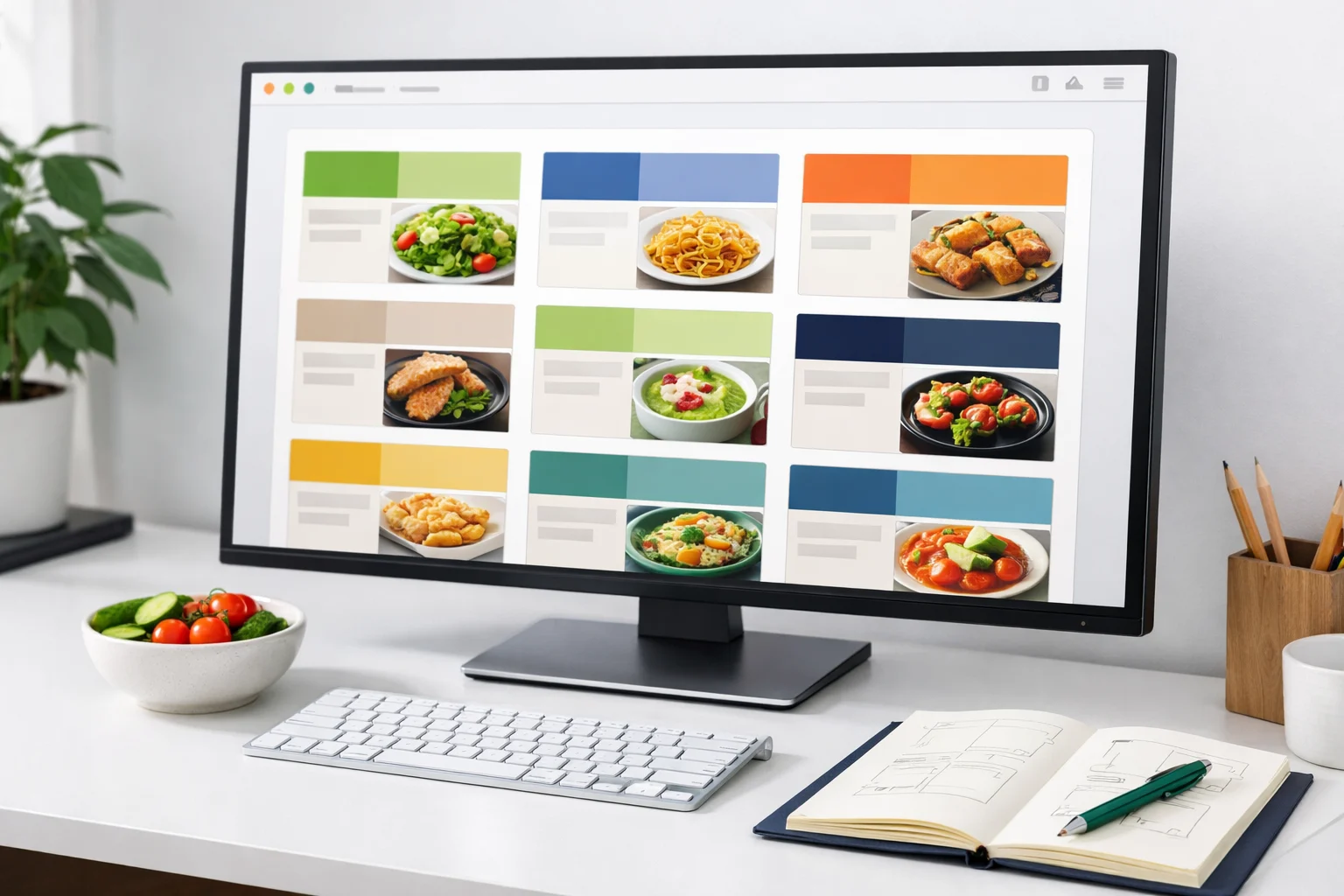
Release notes: browse improvements and cleaner recipe cards
This release tightened browse cards, reduced noisy metadata, and made it easier to scan recipes by time, tag, and title.
Read next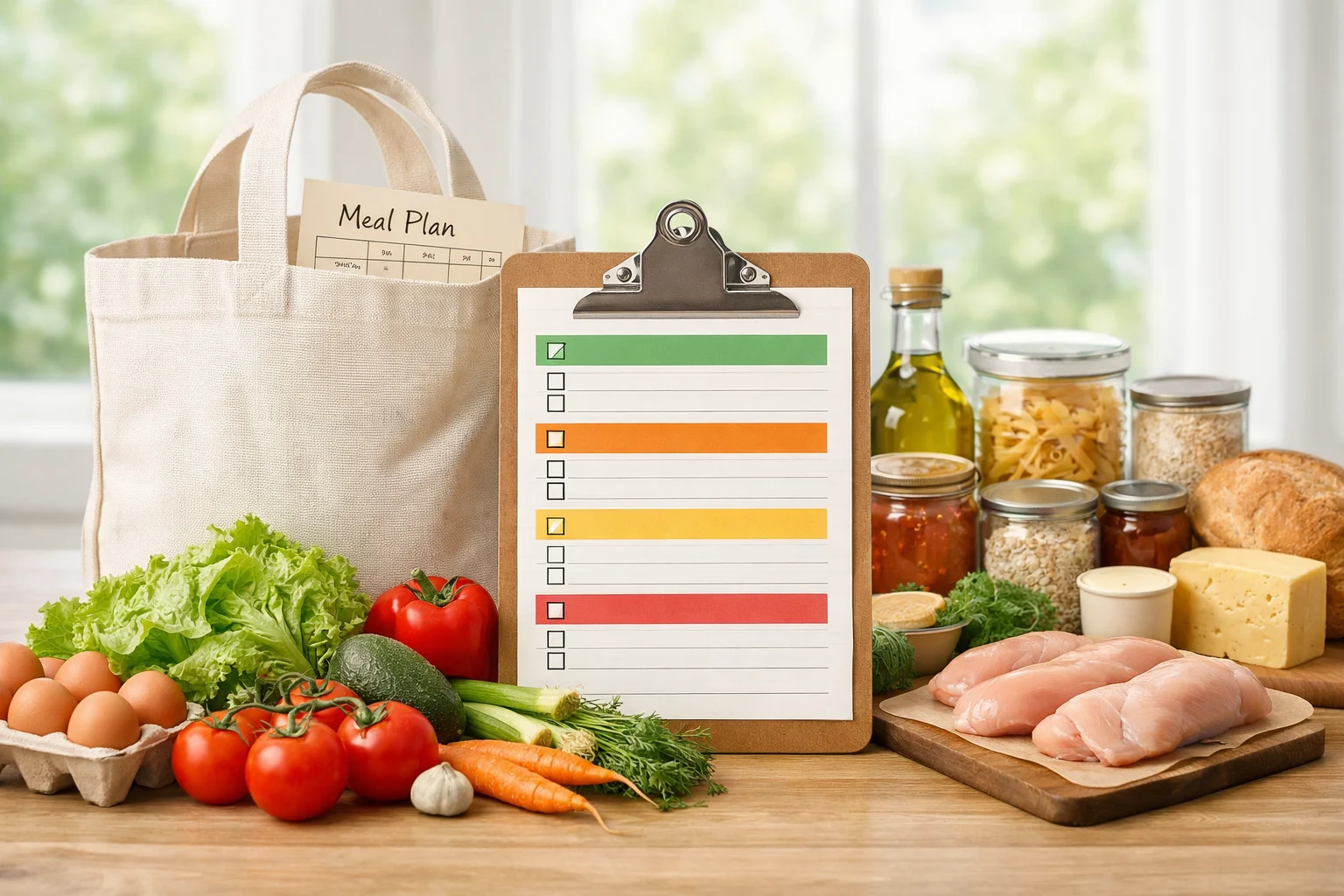
Release notes: shopping lists get closer to the real plan
Shopping list work focused on reflecting the meals currently planned, preserving manual edits, and keeping the grocery workflow predictable.
Read next
Release notes: saved recipes and planner shortcuts
This release connected saved recipes and planning flows more directly so cooks can move from discovery to a real weekly plan with fewer steps.
Read next